

Customer feedback and the Customer Reviews page are included in the Marketing+ plan and higher. On a plan without them, the menu item shows an upgrade message.
Turn on customer feedback
1
Open Rewards Options
In your dashboard, click Rewards Options in the left menu.
2
Turn on Get Customer Feedback
Click the switch next to Get Customer Feedback. Feedback is emailed to your account email, which is shown in the setting.
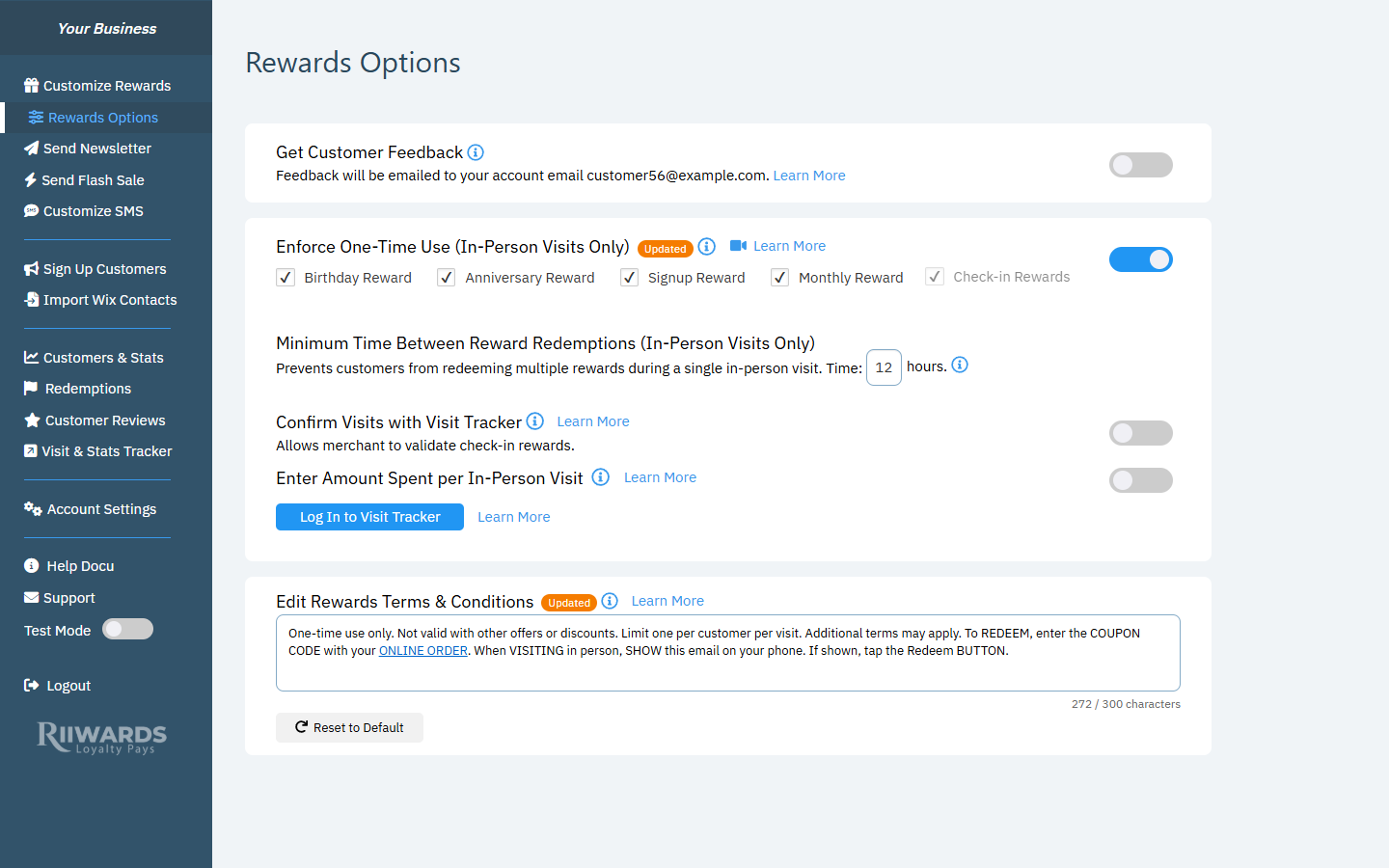
Get Customer Feedback is the first setting on Rewards Options
How customers leave feedback
Once feedback is on, feedback is collected automatically through your reward emails:- When One-Time Use is off, reward emails include a Rate Us button. The customer taps it, picks a star rating and can add a comment.
- When One-Time Use is on, reward emails show a redeem button instead. After the customer redeems their reward, they are asked to rate you. This way your ratings come from real visits.
Read your reviews
In your dashboard, click Customer Reviews in the left menu.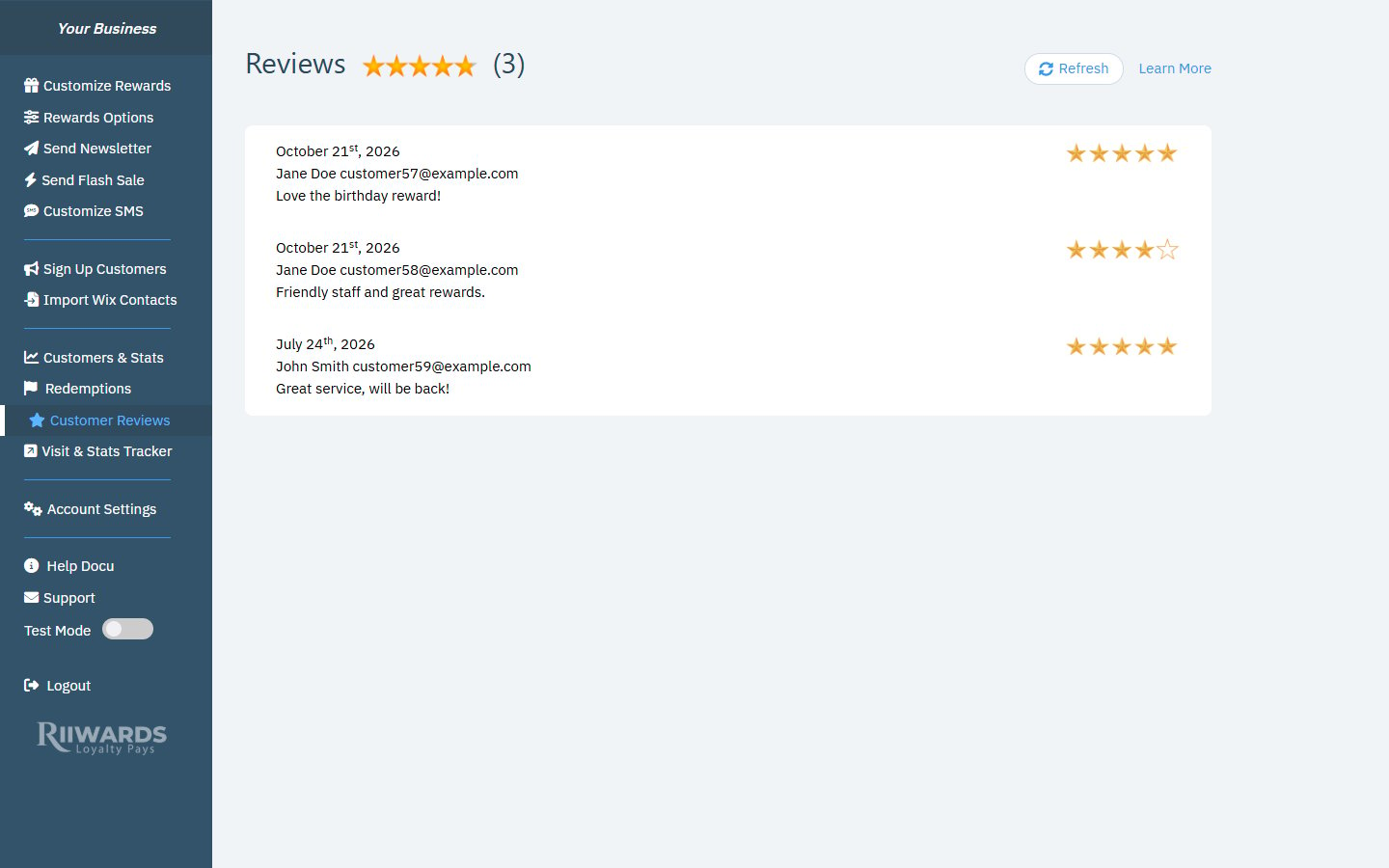
Customer Reviews shows the average rating and every review
- The heading shows your average star rating and the number of reviews in brackets.
- Each review shows the date, the customer’s name and email, their comment and their star rating.
- Click Refresh to load new reviews. The list also reloads each time you open the page.
- If your club has several locations, use the location menu to show reviews for All locations, a single location, or Unknown (reviews without a location).
Related
Rewards options
Turn on feedback and one-time use.
Customer history
Look up the customer behind a review.
Plans and features
Compare what each plan includes.