

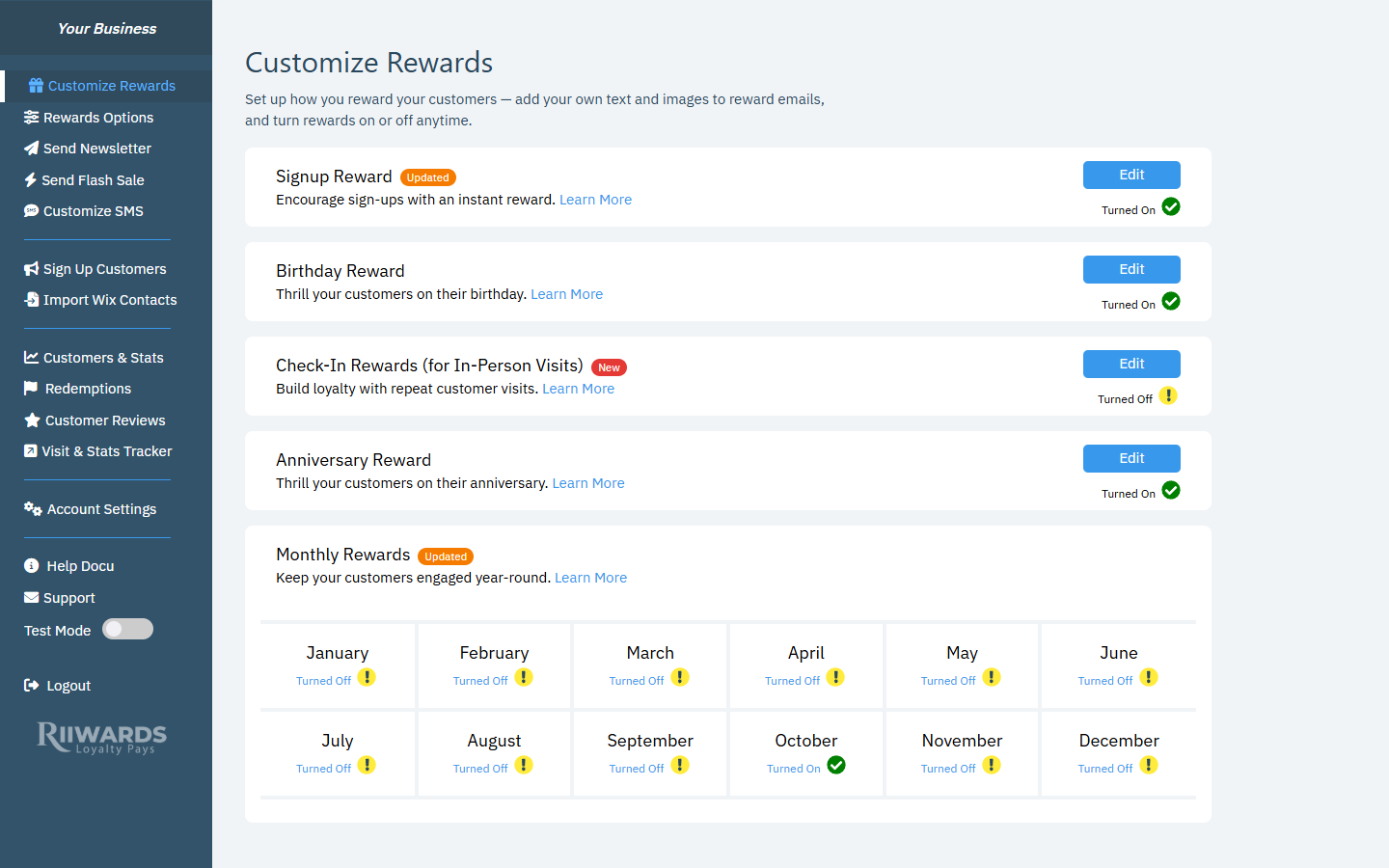
The Rewards Club dashboard with the left menu
Rewards and marketing
Growing your list
Customers and results
Account and help
Visit & Stats Tracker is hidden for clubs that redeem rewards online only, because it is designed for in-person visits.
Locked menu items
Some menu items depend on your plan or on SMS being set up.- Plan features: when you click a feature that is not in your plan, an Upgrade Required message tells you which plan includes it. Click Upgrade Now to see plans, or Cancel to go back. See Plans and features.
- SMS features: Send Flash Sale and Customize SMS are greyed out until SMS is active for your club. Clicking them shows SMS Feature Required. Click Enable Feature to go to Account Settings > SMS Settings. See Set up SMS.
- In-store only features: if your club redeems rewards online only, features built for in-person visits (such as check-in rewards and one-time use) show a message asking you to change your redemption type in Account Settings > Customize Club.
Messages you may see
- Verify Your Account Email: shown until you verify your account email with the 4-digit code Rewards Club sends you.
- Free plan banner: shows how many of your 100 free subscribers you have used. See Free plan.
- Canceled account banner: if your account is canceled, most features are locked and a banner offers to reactivate it. See Cancel your account.
Related
How it works
The full Rewards Club cycle.
Plans and features
Which features each plan includes.