

Loyal Customers
List of Loyal Customers shows your most frequent visitors.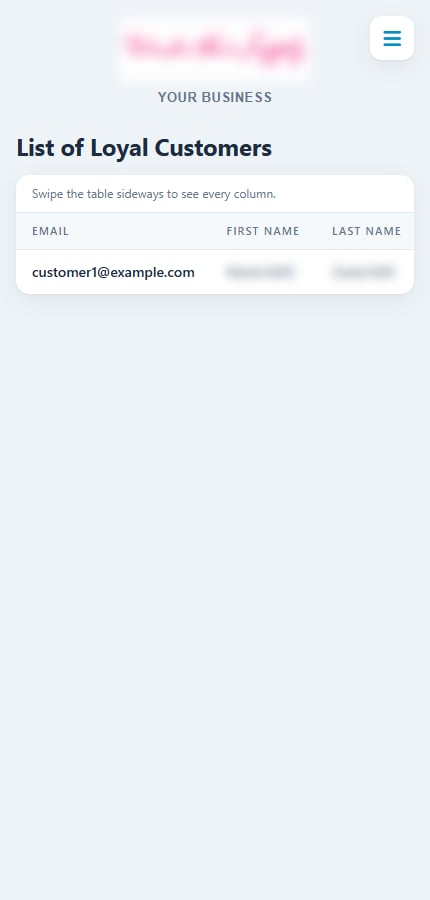
List of Loyal Customers
Customer Sign Ups
Shows how many customers joined in the date range: the Total, how many joined by SMS, and a Signups by Source table with a count for each signup source, such as Website or a text keyword like JOIN.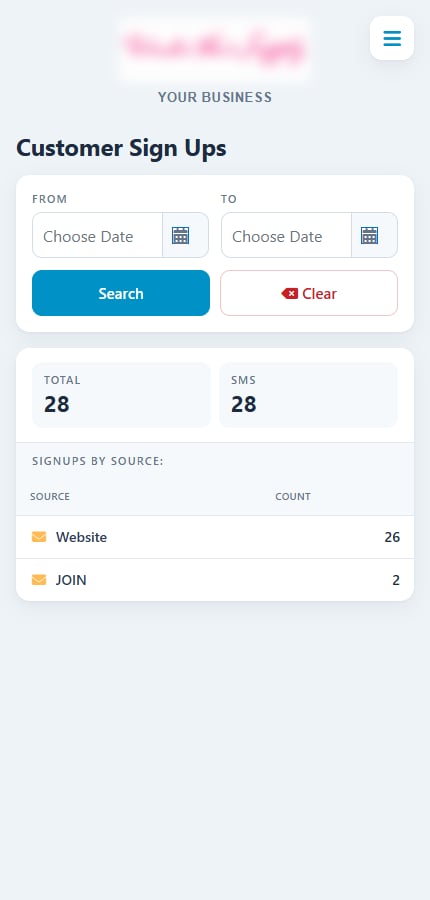
Customer Sign Ups with signups by source
Rewards Sent
Shows the number of Rewards Sent and the overall Open Rate, then a table with Sent and Open % for each reward type: Signup, Birthday, Anniversary, Monthly and Check-in rewards.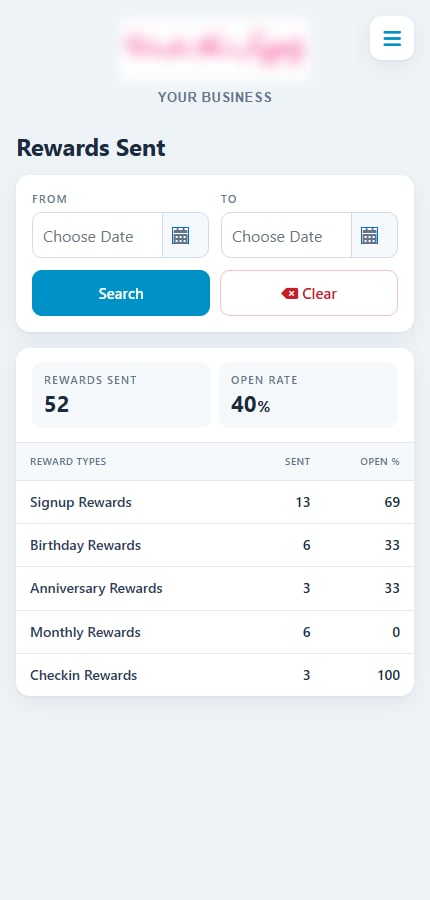
Rewards Sent with open rates by reward type
Redemptions Summary
Shows how many rewards were Redeemed, how many of those visits were Confirmed, and the confirmation Rate. The table breaks this down by reward type, including Flash Sale rewards.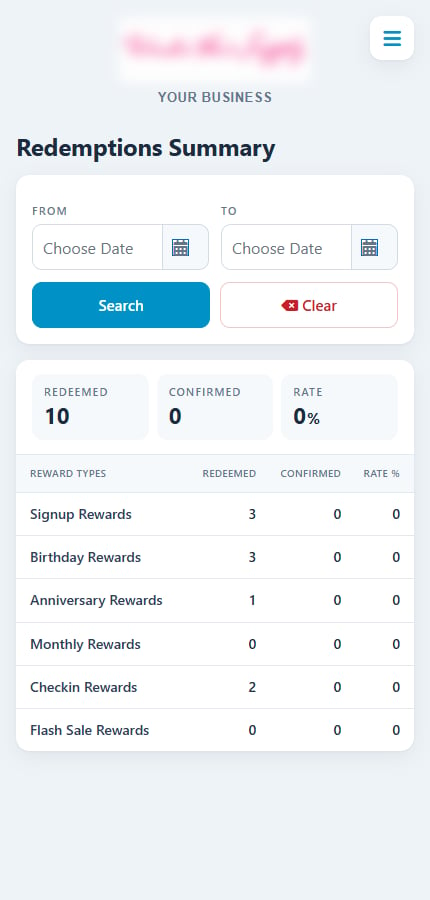
Redemptions Summary by reward type
Redemptions List
Lists every redemption in the date range.
Reward type codes: SU Signup, BD Birthday, AN Anniversary, MO Monthly, CK Check-in.
Tap Download to save the list as a CSV file.
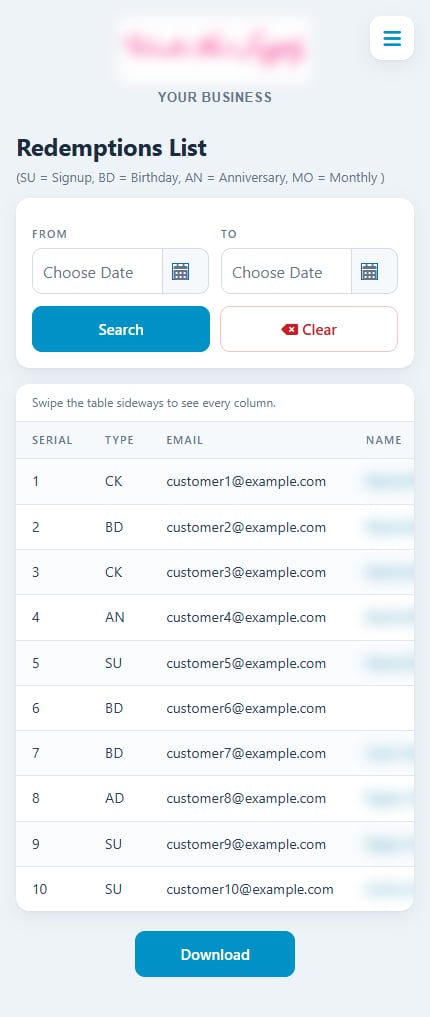
Redemptions List with date filter and download
Related
Confirm visits
Confirm visits and record amounts.
Customers and stats
Full customer list and activity in your dashboard.
Redemptions
Redemption list in your dashboard.