

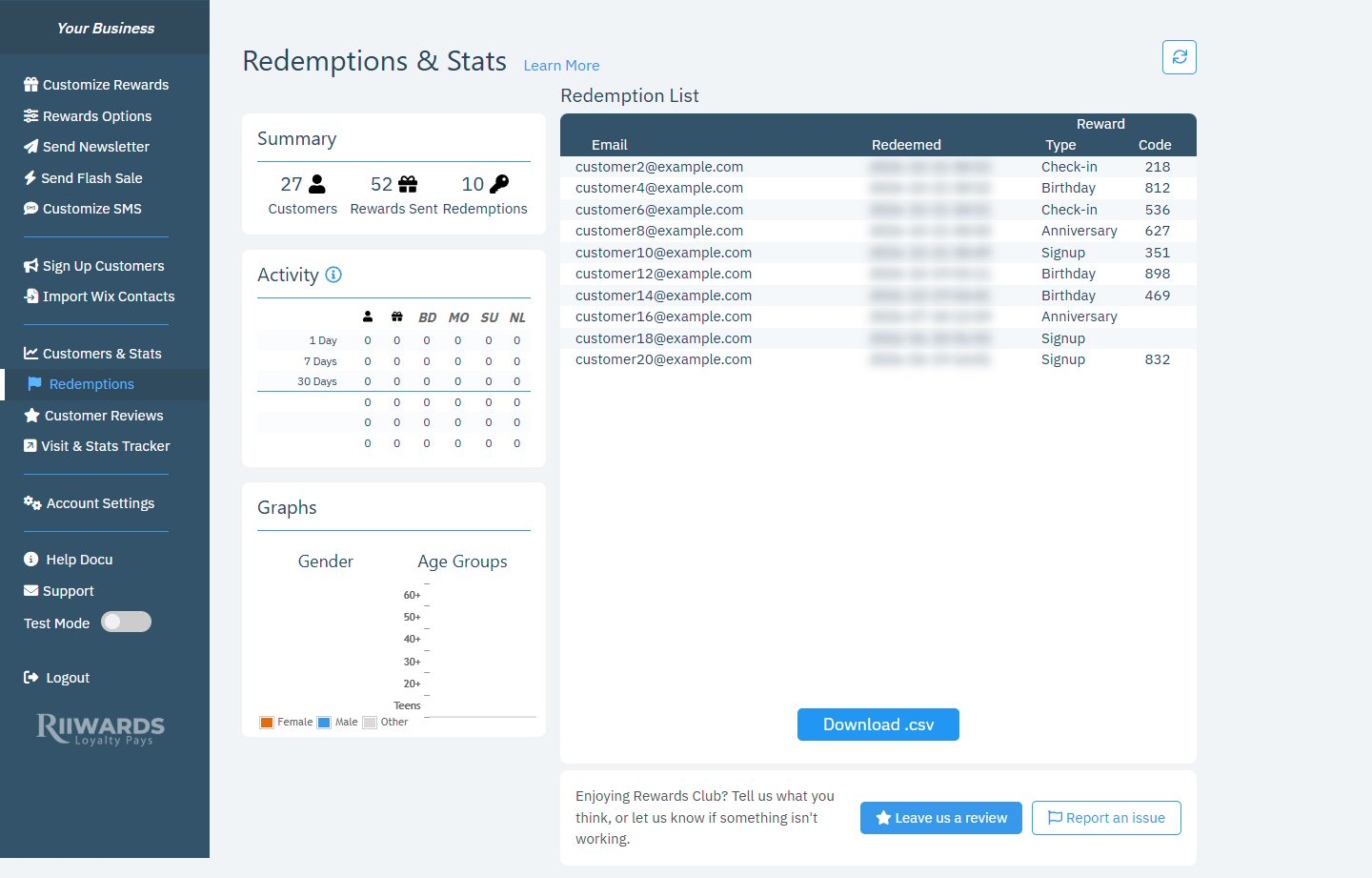
Redemptions & Stats with the Redemption List
Redemption list
Click the round arrow button at the top right to refresh the list.
How redemptions are recorded
Redemptions are recorded for in-person rewards when your club uses Enforce One-Time Use. Each reward email then shows a redeem button, and the customer taps it in front of your staff when they use the reward. The tap is recorded here, and the reward can’t be used again. See Rewards options and How redemption works. If you also turned on Confirm Visits with Visit Tracker, staff can confirm each redemption with the reward code at the counter. See Confirm visits.Related
How redemption works
In-person and online redemption.
Rewards options
Turn on one-time use and visit confirmation.
Visit Tracker reports
Redemption summaries and lists by date.