

Downloading the customer list depends on your plan. If your plan does not include it, an upgrade message names the plan you need.
Download the list
1
Open Customers & Stats
In your dashboard, click Customers & Stats in the left menu.
2
Click Download .csv
The button is under the Customer List.
3
Accept the data terms
The Download Customer List window asks you to agree to use the data in accordance with the Privacy Policy, Terms and Conditions and applicable privacy regulations. Click Ok to download, or Cancel to stop.
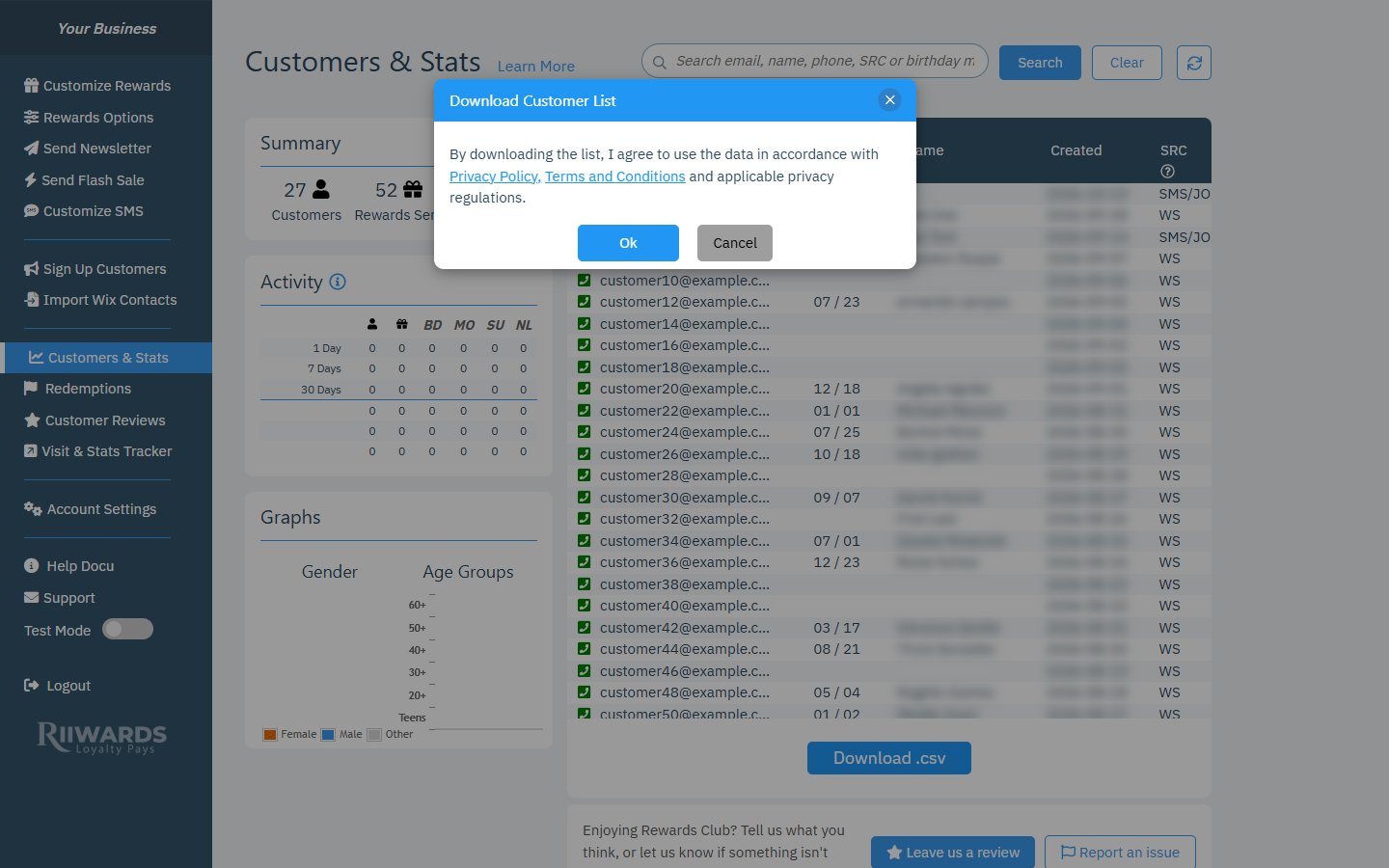
Confirm that you will use the data responsibly
What the file contains
Each row is one customer. The columns are:Use the data responsibly
Your customers joined your Rewards Club and agreed to receive its rewards and messages. Before you email them from another tool, make sure that use is covered by the consent they gave. See Privacy and consent.Related
Customers and stats
Search and review your members.
Privacy and consent
Consent, unsubscribes and deletion requests.
Plans and features
See which plan includes the download.