

The Visit Tracker is included in the Loyalty+ plan. It is for businesses where customers redeem rewards in person. If your club redeems rewards online only, the menu item is hidden.
Open the Visit Tracker
You can open it from two places in your dashboard. Both open the Visit Tracker in a new browser tab and log you in automatically.- Click Visit & Stats Tracker in the left menu.
- Or go to Rewards Options and click Log In to Visit Tracker.
Find your way around
Tap the menu button at the top right to switch screens.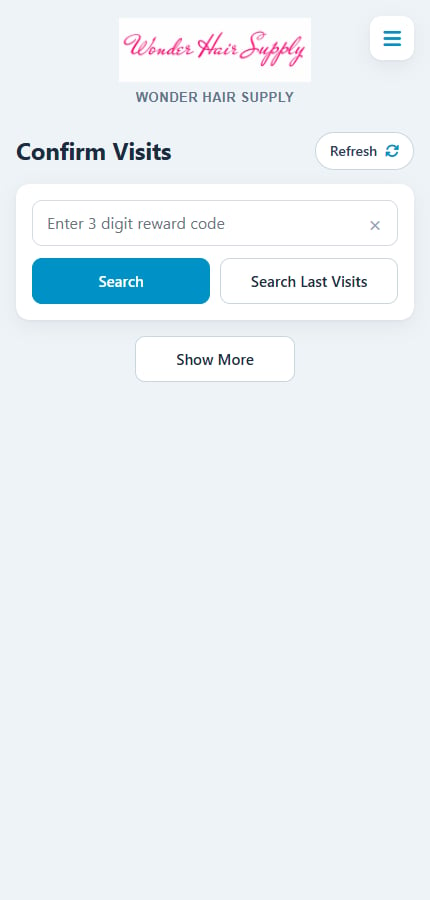
The Visit Tracker menu on a phone
The reports are explained in Visit Tracker reports.
Change your password
1
Open Change Password
Tap the menu button, then Change Password.
2
Enter the new password twice
Fill in Enter New Password and Reenter Password.
3
Tap Save Password
The new password also becomes your password for the main dashboard login.
Report a problem or leave a review
- Report an issue opens a form where you describe what went wrong. Our support team replies to your account email.
- Leave us a review lets you rate Rewards Club.
Related
Confirm visits
Confirm visits and redeem promo codes.
Visit Tracker reports
Sign ups, rewards sent and redemptions.
Rewards options
Turn on visit confirmation and amount spent.
Check-in rewards
Reward customers for repeat visits.