

Create your account
Go to app.birthdayclub.io and click Start for Free on the login page. The Free plan includes up to 100 subscribers and needs no credit card.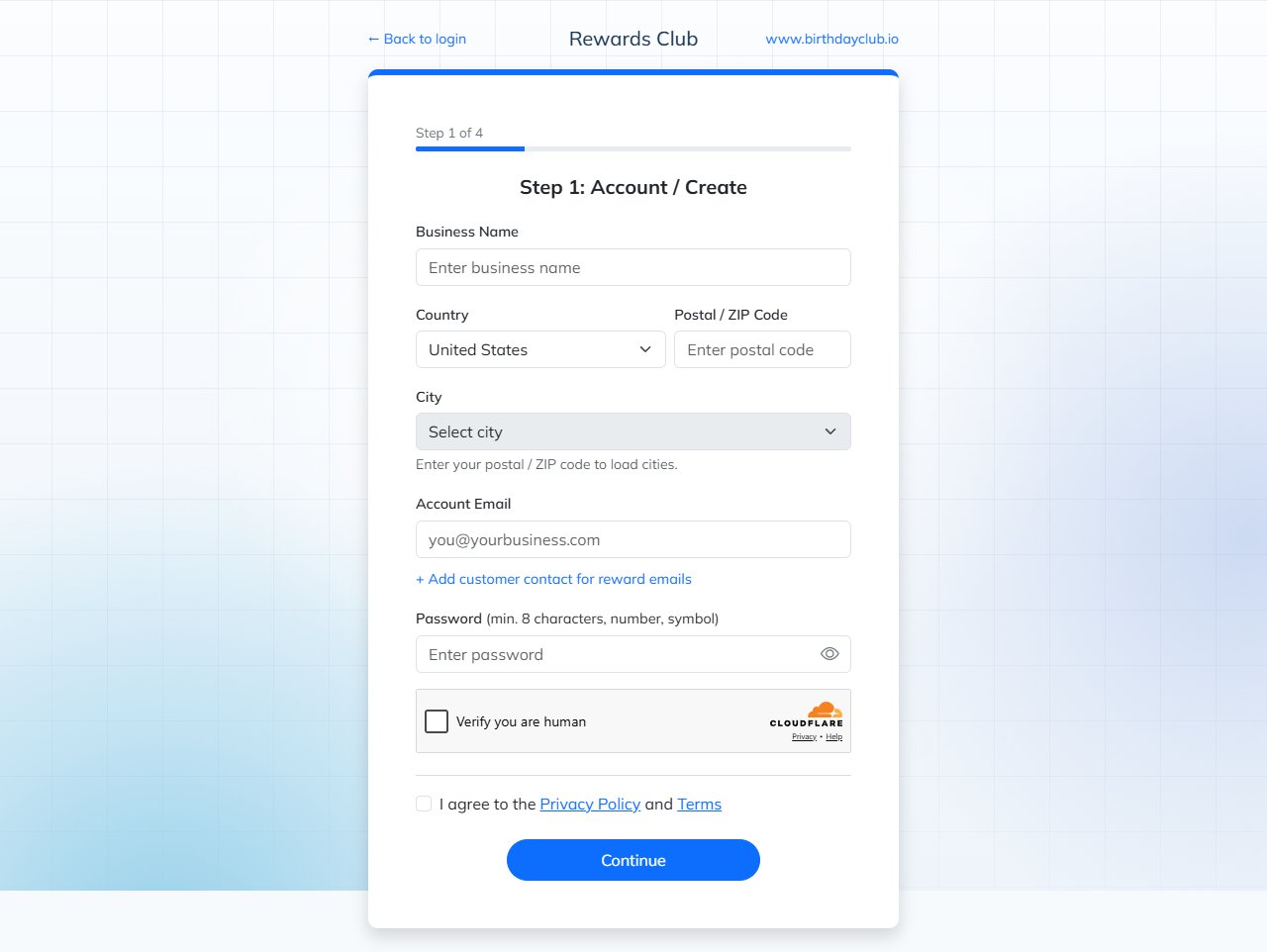
Step 1 of the signup wizard
1
Step 1: Account
Enter your Business Name, Country, Postal / ZIP Code and City (the city list loads after you enter your postal code), your Account Email and a Password (at least 8 characters, with a number and a symbol). Click + Add customer contact for reward emails if customers should reply to a different email address. Confirm you are human, agree to the Privacy Policy and Terms, and click Continue.Rewards Club then sends a 4-digit code to your account email. Enter it to verify your email. You can update the email or resend the code from the same screen, or skip it for now and verify later.
2
Step 2: Reward redemption
Choose how customers will redeem rewards: in person at your business, online in your store (enter your store URL), or both.
3
Step 3: Rewards
Write your Birthday Reward and your Signup Reward. You can skip the signup reward and add it later.
4
Step 4: Almost done
Click Open Dashboard to go to your new Rewards Club dashboard.
Your welcome email from Rewards Club is sent after you verify your account email. If you skipped verification, the dashboard asks you to verify your email before you can continue using it.
Log in later
Go to app.birthdayclub.io and log in with your account email and password. Check Remember me to stay logged in on your computer.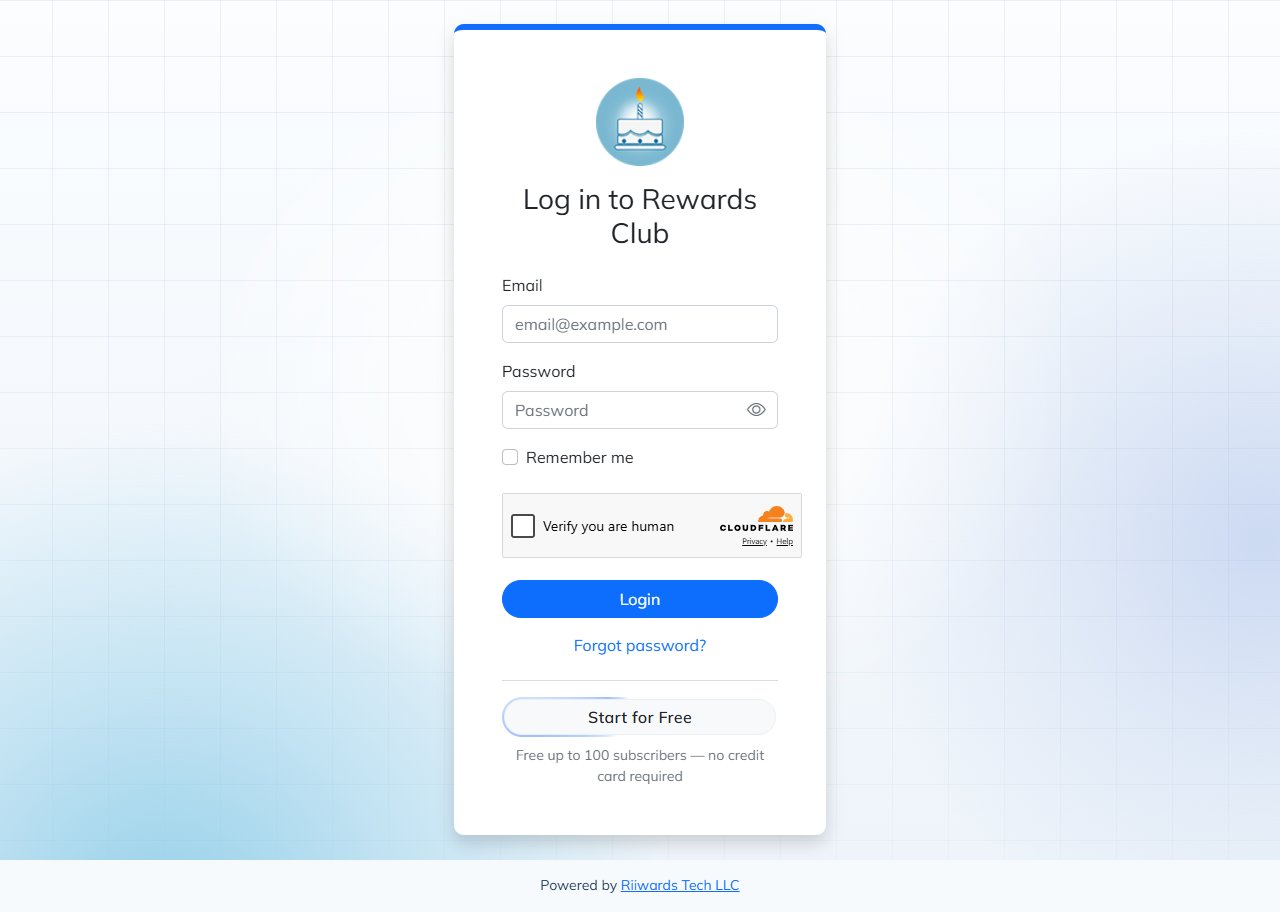
Rewards Club login page
Add the signup form to your website
Businesses that do not use Wix see Customize Widget in the left menu. Use it to design your signup form and copy the code to paste into your website. See Add the signup form to your website. You can also collect signups without touching your website, with a printed QR code or a Smart Link. See Sign up customers from all sources.Agencies and multi-location businesses
- Agencies that manage several businesses can add each business from the Agency Dashboard. See Agency dashboard.
- Businesses with several locations can run one club for all locations or a separate club for each location. Contact support@riiwards.com and we will set it up the way that suits you.
Related
Website signup form
Customize the widget and copy the embed code.
Rewards overview
Set up the rewards your customers receive.
Free plan
What the Free plan includes and its limits.
Dashboard tour
Find your way around the dashboard.